



Windows 11 26H2
- admin
-
 Topic Author
- Away
- Admin
-

Administrateur
- Fdrsoft (Admin)
- 文章: 682
- Thanks: 441
Windows 11 26H2
2 天 8 小時 前 - 2 天 8 小時 前
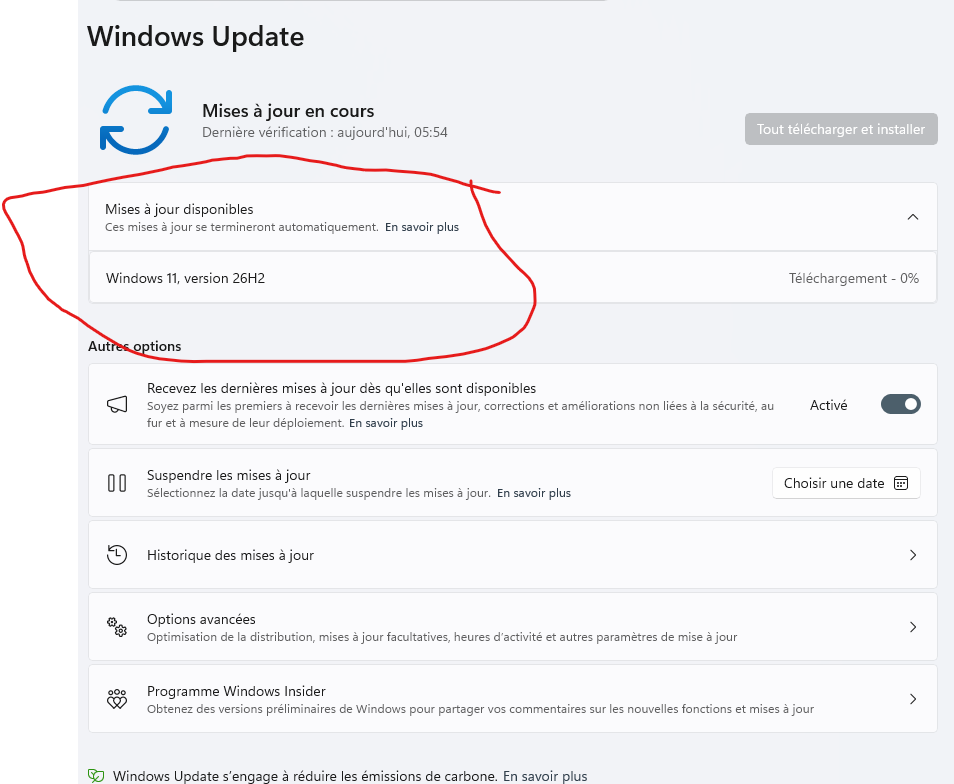
I just received the notification that Windows 11 26H2 is available.
Asus Z890 ProArt, Intel Cpu Core Ultra 7 265K, Memoires 32Go Corsair DDR5 (6000Mhz CL30), Water-cooling Thermaright, nVidia Geforce RTX4060, Alimentation Gigabyte 850W, Samsung SSD 990 Pro, SSD9100 Pro, Steelserie Pro , Souris Razer, Boitier HUMMER, HP Steelserie, Free Fibre Ultra (8Go/8Go), Lan 10Gb, Cable CAT8/7, Switch 10/5/2.5Gbps, Casque Philips Fedelis.
Last edit: 2 天 8 小時 前 by admin.
The following user(s) said Thank You: fikotr74, dev.asb
Please 登錄 or 新增帳號 to join the conversation.
- erpster96
-

- Offline
- The Best Poster
-

Enregistré
- 文章: 326
- Thanks: 484
Re: Windows 11 26H2
2 天 2 小時 前
26H2 was first offered Tuesday Sept. 29:
www.askwoody.com/forums/topic/windows-11...is-now-being-offered
26H2 {Windows 11 2026 Update} ISO image downloads also available from the Microsoft Windows 11 download page
www.askwoody.com/forums/topic/windows-11...is-now-being-offered
26H2 {Windows 11 2026 Update} ISO image downloads also available from the Microsoft Windows 11 download page
The following user(s) said Thank You: admin, fikotr74
Please 登錄 or 新增帳號 to join the conversation.
- admin
-
Topic Author
- Away
- Admin
-
Administrateur
- Fdrsoft (Admin)
- 文章: 682
- Thanks: 441
Re: Windows 11 26H2
1 天 18 小時 前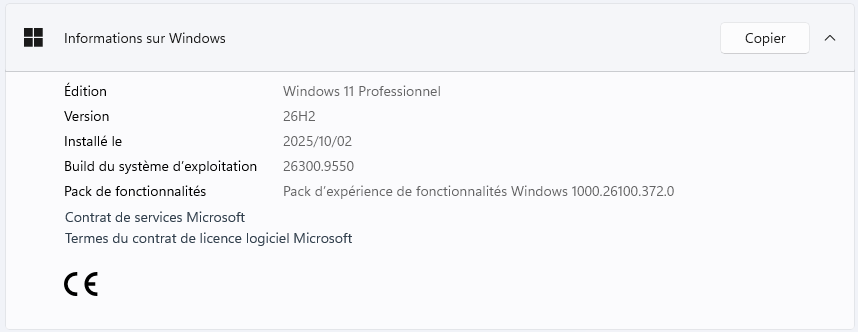
Asus Z890 ProArt, Intel Cpu Core Ultra 7 265K, Memoires 32Go Corsair DDR5 (6000Mhz CL30), Water-cooling Thermaright, nVidia Geforce RTX4060, Alimentation Gigabyte 850W, Samsung SSD 990 Pro, SSD9100 Pro, Steelserie Pro , Souris Razer, Boitier HUMMER, HP Steelserie, Free Fibre Ultra (8Go/8Go), Lan 10Gb, Cable CAT8/7, Switch 10/5/2.5Gbps, Casque Philips Fedelis.
The following user(s) said Thank You: fikotr74
Please 登錄 or 新增帳號 to join the conversation.
- FirstEver
-

- Away
- The Best Poster
-
Enregistré
- 文章: 118
- Thanks: 203
Re: Windows 11 26H2
1 天 11 小時 前 - 1 天 9 小時 前
My personal advice: instead of relying on the official ISOs provided by Microsoft, which go out of date very quickly — after installing such a system you'll get hit with a ton of subsequent updates in Windows Update — I suggest using the tool
uupdump.net
. It creates a system image containing all updates up to the current day.
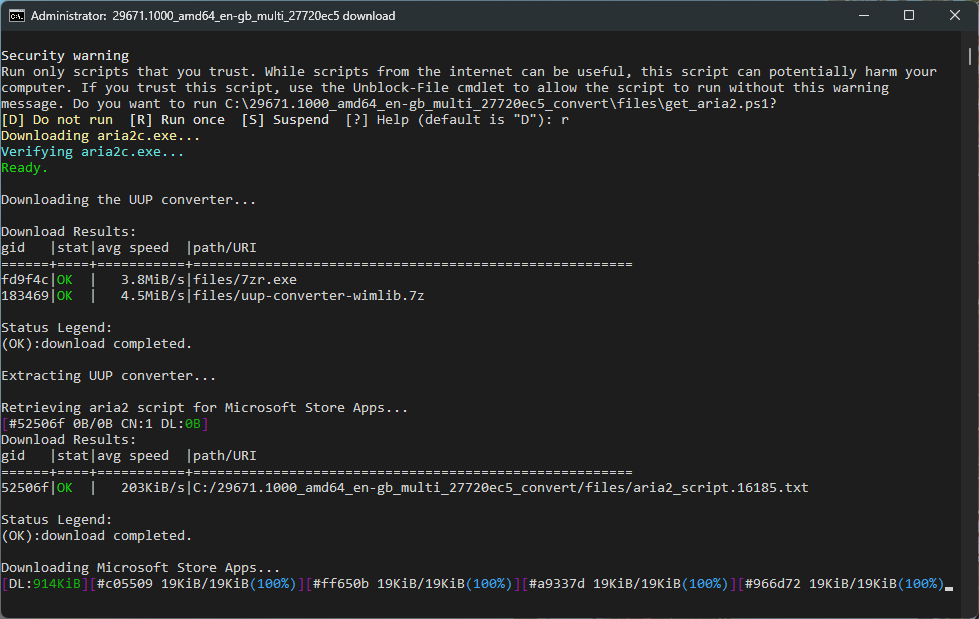
After every update, I recommend using the Win11Debloat tool.
Download & run the script automatically via PowerShell.
It's worth deleting the old system copy (Windows.old), because you lose at least 20-30GB on the system drive (Disk Clean-up as Admin)
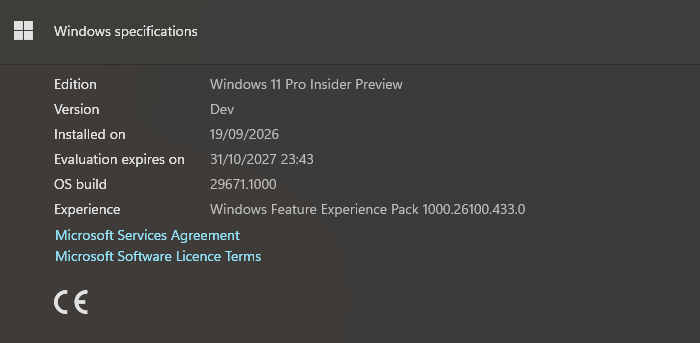
Of course, I don't recommend that you switch to experimental builds — but you can use UUP dump to create the most up-to-date ISO possible for the stable version.
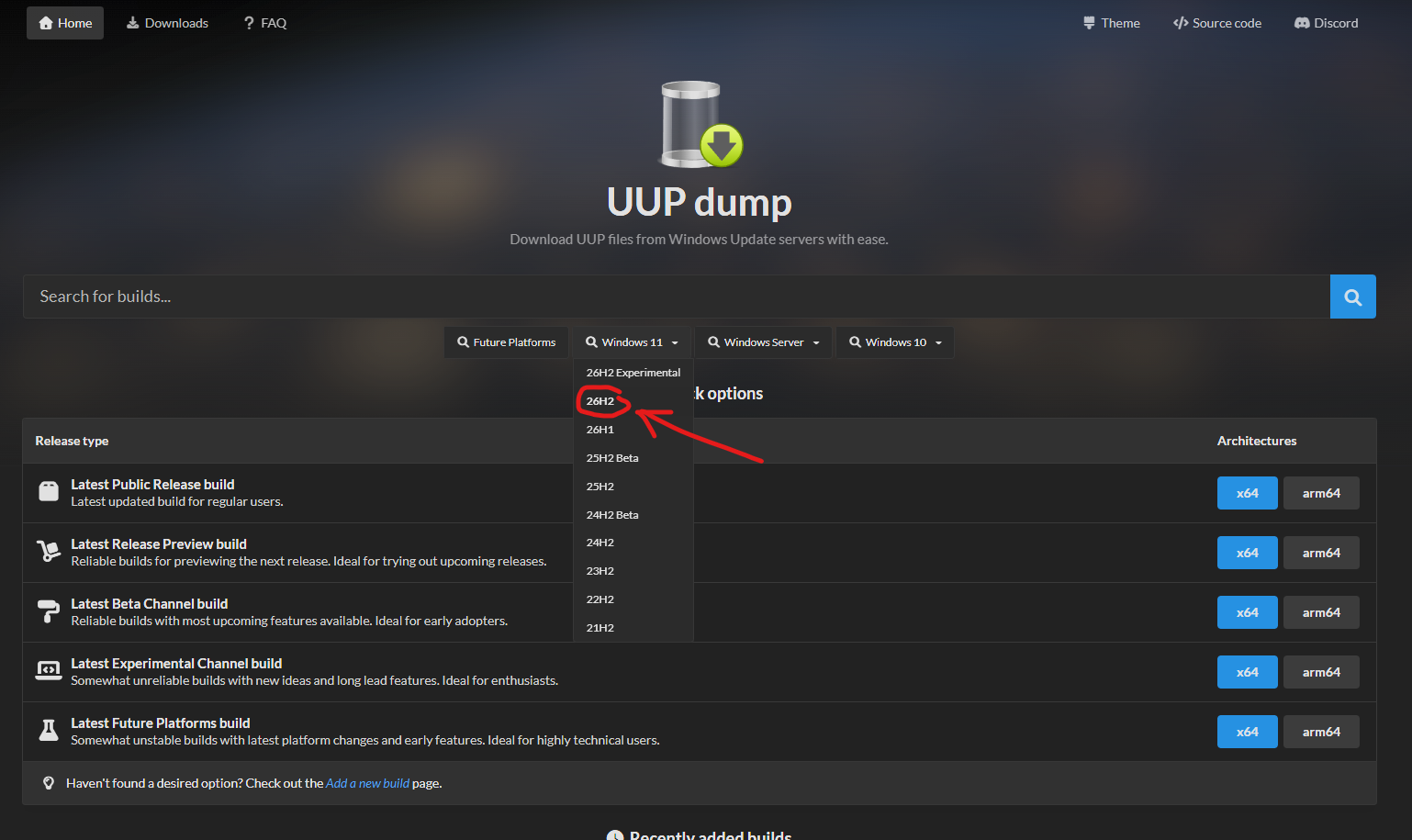
I should also add that creating such an image uses only files downloaded from Microsoft's official servers.After installing such a system, you'll see at most driver-related updates.
After every update, I recommend using the Win11Debloat tool.
Download & run the script automatically via PowerShell.
- Open PowerShell or Terminal.
- Copy and paste the command below into PowerShell:
& ([scriptblock]::Create((irm " debloat.raphi.re/ ")))
It's worth deleting the old system copy (Windows.old), because you lose at least 20-30GB on the system drive (Disk Clean-up as Admin)
Of course, I don't recommend that you switch to experimental builds — but you can use UUP dump to create the most up-to-date ISO possible for the stable version.
Last edit: 1 天 9 小時 前 by FirstEver.
The following user(s) said Thank You: admin
Please 登錄 or 新增帳號 to join the conversation.
建立頁面時間:0.081 秒